Picking the best IPTV player makes a bigger difference than most people expect. Your IPTV subscription supplies the channels, but the player decides how quickly they load, how the EPG guide looks, how smoothly you switch channels and whether 4K plays cleanly. This guide compares six popular IPTV players across Firestick, Smart TV, Android, iPhone and computers, and shows how to set one up with Marinios IPTV in a few minutes.
What Does an IPTV Player Do?
An IPTV player connects to your provider using one of three login types:
- Xtream Codes API — username, password and server URL (fastest and most complete).
- M3U playlist — a single link containing the channel list.
- MAC address / portal — used by MAG boxes and some Smart TV apps.
The player then shows your live channels, EPG guide, movies and series in a TV-style interface. Marinios IPTV supports all three login types, so you can use the best IPTV player for whatever device you own.
Best IPTV Player: Quick Comparison
| Player | Best for | Devices |
|---|---|---|
| IPTV Smarters Pro | Beginners, all-round use | Android, Firestick, iOS, Windows, Mac |
| IBO Player | Smart TVs | Samsung, LG, Android TV, Firestick, iOS |
| TiviMate | Power users, best EPG | Android TV, Firestick, Google TV |
| GSE Smart IPTV | Apple users | iPhone, iPad, Apple TV, Android |
| VLC Media Player | Quick tests on a computer | Windows, Mac, Linux, mobile |
| MAG built-in portal | Set-top box simplicity | MAG boxes |
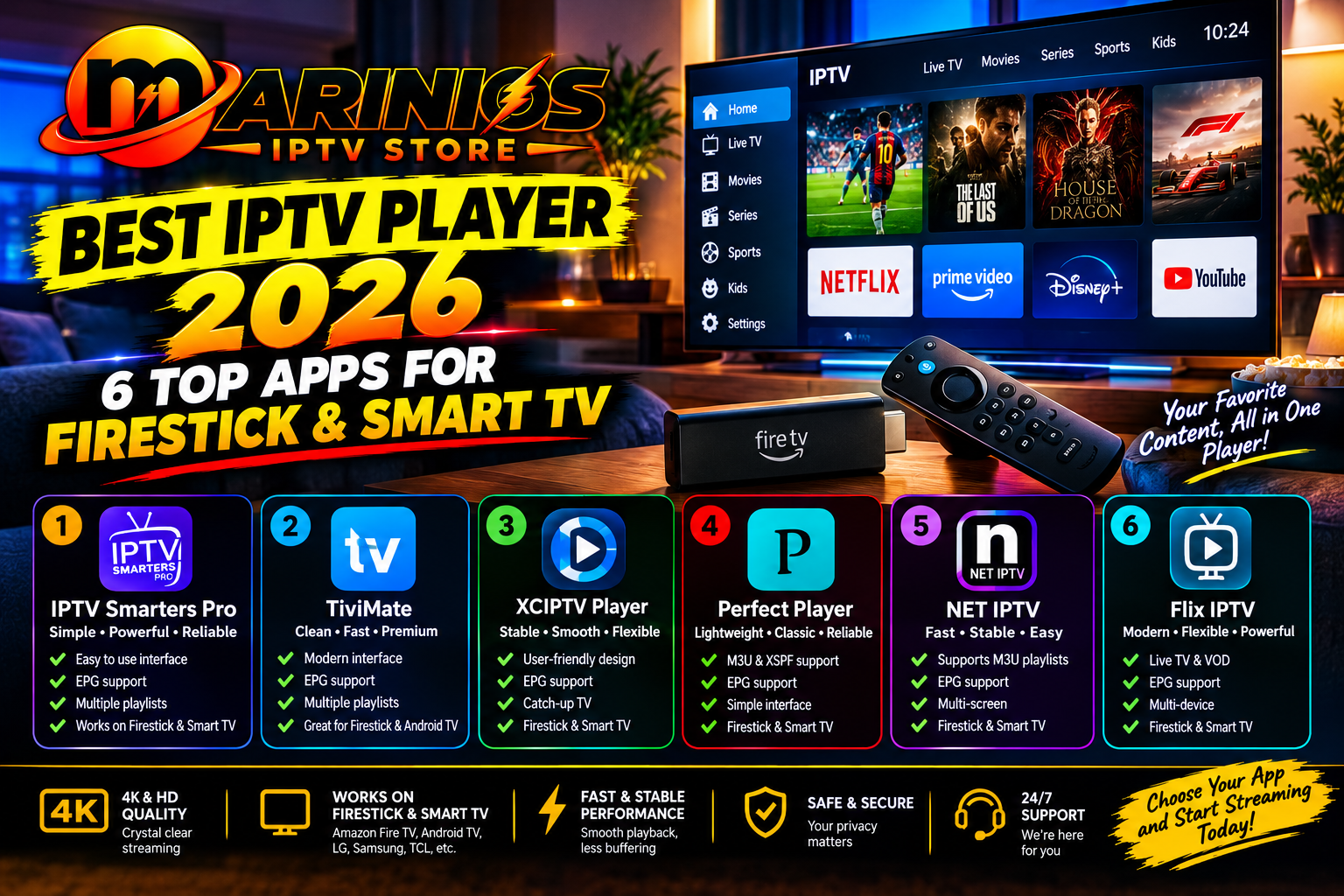
The 6 Best IPTV Player Apps in 2026
1. IPTV Smarters Pro — best IPTV player for most people
IPTV Smarters Pro is the most widely used IPTV player, and it is the one we recommend first to Marinios IPTV customers. It supports Xtream Codes and M3U, has separate sections for live TV, movies and series, includes an EPG, and runs on almost every platform.
- Pros: easy setup, available nearly everywhere, clean layout.
- Cons: interface feels basic next to TiviMate.
2. IBO Player — best IPTV player for Smart TVs
IBO Player is a strong choice for Samsung and LG Smart TVs, where IPTV app options are limited. You add your playlist through its website using your TV’s MAC address. It offers a trial and then requires a small paid activation.
- Pros: works natively on Smart TVs, good 4K playback.
- Cons: paid activation after the trial.
3. TiviMate — best IPTV player for power users
TiviMate is famous for its cable-style EPG grid, favourites, recording (with storage) and catch-up support. It runs on Android TV, Google TV and Firestick. The premium features require a paid upgrade.
- Pros: best EPG experience, very fast channel switching.
- Cons: Android-based devices only; premium is paid.
4. GSE Smart IPTV — best for iPhone, iPad and Apple TV
GSE Smart IPTV is a long-standing player for Apple devices. It supports M3U and Xtream Codes and works well on iPhone and Apple TV.
5. VLC Media Player — best for a quick test
VLC can open an M3U link on a computer in seconds. It has no EPG or VOD sections, but it is perfect for checking that your Marinios IPTV line works.
6. MAG built-in portal — best for set-top boxes
MAG boxes use a portal URL and your device’s MAC address. Once set up, they behave like a traditional cable box with a remote.
Best IPTV Player by Device
- Amazon Firestick / Fire TV: IPTV Smarters Pro or TiviMate.
- Samsung / LG Smart TV: IBO Player.
- Android TV / Google TV: TiviMate or IPTV Smarters Pro.
- Android phone/tablet: IPTV Smarters Pro.
- iPhone / iPad / Apple TV: IPTV Smarters Pro or GSE Smart IPTV.
- Windows / Mac: IPTV Smarters Pro, or VLC for a quick test.
- MAG box: built-in portal.
Whichever you choose, Marinios IPTV works with it — and our support team will help you set it up. For 4K devices specifically, see our IPTV 4K guide.
How to Set Up Marinios IPTV in IPTV Smarters Pro
- Get your login. Start a free trial or choose a plan. Your Marinios IPTV credentials arrive by email and WhatsApp within minutes.
- Install the player. Download IPTV Smarters Pro from your device’s app store. On Firestick, our support team will walk you through installation.
- Choose “Login with Xtream Codes API”.
- Enter your details. Any name, then the username, password and server URL from your Marinios IPTV email.
- Wait for loading. Channels, movies, series and the EPG download in a minute or two.
- Start watching. Open Live TV, pick a category and enjoy.
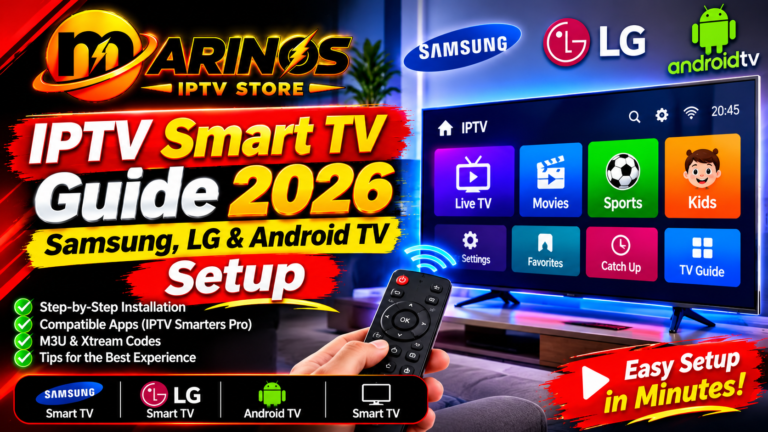
Using a Smart TV? With IBO Player, open the app, note the MAC address and device key on screen, and send them to Marinios IPTV support on WhatsApp — we will add your playlist for you.
Your player is ready — now add the channels
Free Marinios IPTV trial with setup help on WhatsApp
Get Free Trial + Setup Help See PlansPlayer Settings for Smoother Playback
- Choose the right player engine: many apps let you switch between built-in players (e.g. “ExoPlayer” vs “VLC”). If one stutters, try the other.
- Increase the buffer slightly if your Wi-Fi is unstable.
- Enable hardware decoding for 4K and HEVC streams.
- Refresh the EPG once a day if the guide looks outdated.
- Clear the app cache weekly on Firestick.
- Use Ethernet for 4K whenever possible.
More streaming tips are in IPTV streaming explained.
Why the Player and the Provider Both Matter
Even the best IPTV player cannot fix an overloaded server. If channels freeze at peak time in every player you try, the problem is the provider. Marinios IPTV pairs well with every player above because the heavy lifting — 4K encoding and Anti-Freeze™ 9.8 delivery — happens on our own servers. Read our Marinios IPTV review for the full picture.
M3U vs Xtream Codes: Which Login Should You Use?
Most players accept both login types. Here is the difference:
| Login type | Pros | Cons |
|---|---|---|
| Xtream Codes API | Loads live TV, movies, series and EPG automatically; faster updates | Needs a player that supports it |
| M3U playlist | Works in almost any player, including VLC | EPG may need a separate link; large lists load slower |
An M3U file is simply a text playlist of stream addresses (see M3U on Wikipedia). For everyday use, we recommend Xtream Codes in IPTV Smarters Pro or TiviMate. Use M3U for VLC or players that do not support Xtream.
Fixing Common IPTV Player Errors
| Error | What it means | How to fix |
|---|---|---|
| “Invalid username or password” | Login typed incorrectly or expired | Copy-paste details from your email; check plan dates |
| “Server not responding” | Wrong server URL or network issue | Check the URL including http:// and port; restart router |
| Channels load but will not play | Player engine incompatible with stream | Switch player engine in settings |
| No EPG data | Guide not downloaded | Refresh EPG; wait a few minutes |
| “Max connections” | Too many devices streaming at once | Stop other streams or upgrade your plan |
| Playlist not showing on Smart TV | MAC address not activated | Send MAC and device key to support |
Marinios IPTV support handles these on WhatsApp every day — send a screenshot and we will tell you exactly what to change.
Free vs Paid IPTV Players
Several players are free to start, while others charge for activation or premium features. Paying for a player is not the same as paying for channels: the fee only unlocks the app. What you get for it is usually a better interface, faster EPG, recording or multi-screen features and regular updates. For most people, starting with a free player like IPTV Smarters Pro is fine. If you spend hours a day in the guide, a premium player like TiviMate is worth considering.
Always download players from official app stores or the developer’s official site. Avoid modified “cracked” versions — they can contain malware and often break.
Using One Login in Several Players
A common setup in Marinios IPTV homes: TiviMate on the living-room Firestick, IBO Player on the bedroom Smart TV, and IPTV Smarters Pro on a phone. The same login works in all three. Your plan’s device number controls how many play at the same moment — a 3-device plan lets all three stream together. See the IPTV subscription guide to choose the right number, and the IPTV 4K guide if you want 4K on each screen.
How to Choose the Best IPTV Player for You
- Start with your device — some players are only on Android, others only on Smart TVs.
- Decide how much the EPG matters — if you browse the guide a lot, choose TiviMate.
- Check 4K and HEVC support if you have a 4K TV.
- Try two players during your trial and keep the one that feels faster.
- Ask support — the Marinios IPTV team knows which players work best on which devices.
Best IPTV Player FAQ
What is the best IPTV player overall?
IPTV Smarters Pro is the best IPTV player for most people because it is free to start, easy to set up and works on almost every device. TiviMate is the best for advanced Android TV and Firestick users.
What is the best IPTV player for Firestick?
IPTV Smarters Pro for simplicity, TiviMate for the best EPG.
What is the best IPTV player for Samsung or LG TVs?
IBO Player is the most popular choice for Smart TVs.
Do IPTV players include channels?
No. Players are just apps. You need a subscription such as Marinios IPTV to get channels.
Can I use Marinios IPTV in more than one player?
Yes. Your login works in any compatible player; your plan limits only how many streams play at the same time.
Conclusion
The best IPTV player is the one that fits your device: IPTV Smarters Pro for most people, IBO Player for Smart TVs, TiviMate for power users. Pair it with a reliable provider and you have a TV experience that beats cable. Get your free Marinios IPTV trial, and our team will help you set up whichever player you choose.
Marinios IPTV works with every player
IPTV Smarters Pro · IBO Player · TiviMate · MAG · from $5.67/month
Get Marinios IPTV