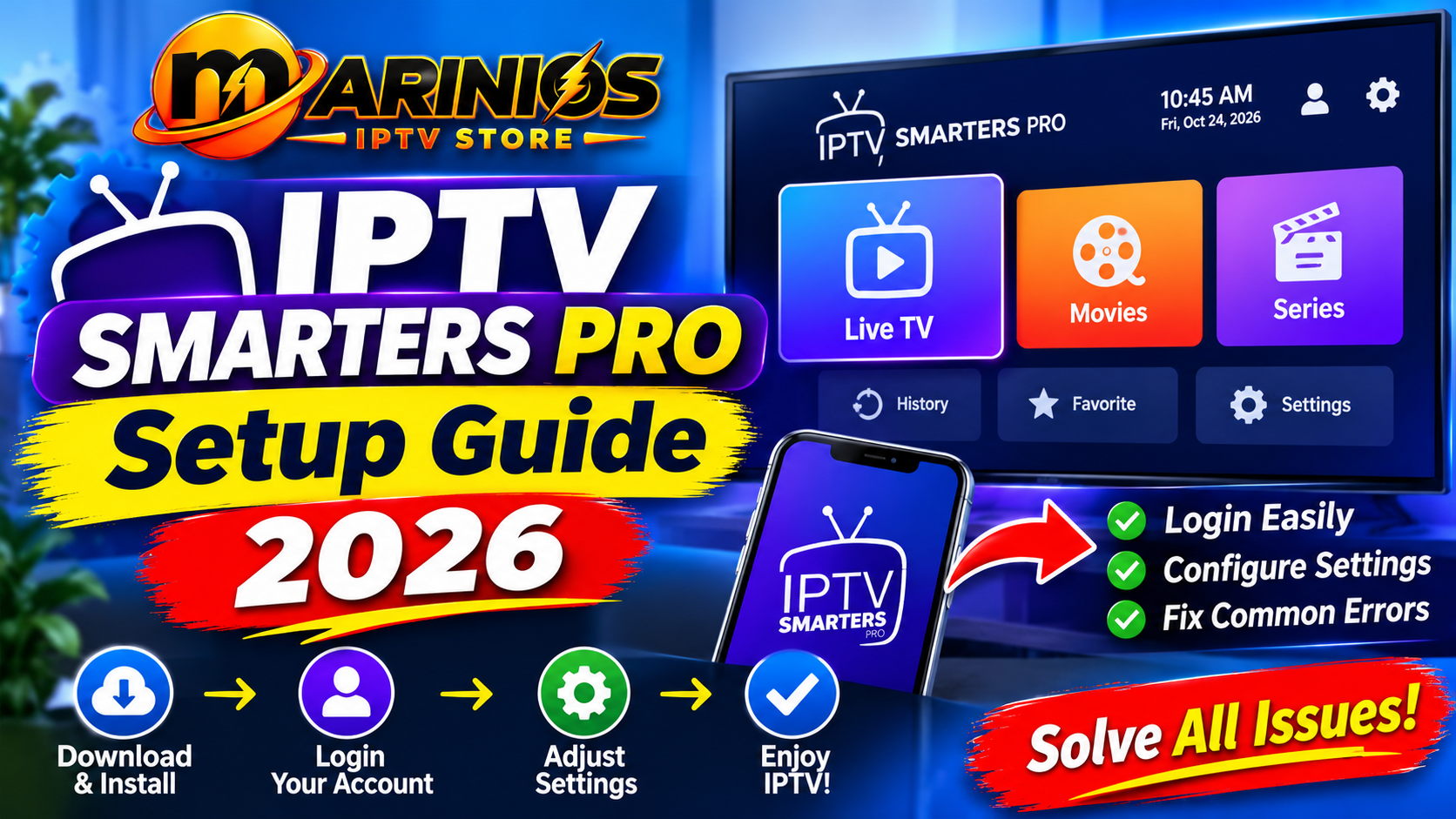
IPTV Smarters Pro is the most widely used IPTV player in the world, and for most people it is the easiest way to start watching. It runs on Firestick, Android, iPhone, Windows and Mac, organises live TV, movies and series into clear sections, and supports an EPG guide. This guide covers everything: installing IPTV Smarters Pro on each device, logging in with Marinios IPTV, the settings that matter for smooth 4K, and fixes for the most common errors.
What Is IPTV Smarters Pro?
IPTV Smarters Pro is a free-to-start IPTV player that connects to your provider using Xtream Codes API or an M3U playlist. Once connected, it shows separate sections for Live TV, Movies, Series and Catch-up, plus a TV guide. It is popular because it is simple, available on almost every platform, and works the same way on each — so your family only needs to learn one app.
Comparing players? See our best IPTV player guide.
How to Install IPTV Smarters Pro
| Device | Where to get it |
|---|---|
| Android phone / tablet | Google Play Store |
| Android TV / Google TV | Google Play Store on the TV |
| iPhone / iPad / Apple TV | Apple App Store (search “Smarters Player”) |
| Firestick / Fire TV | Amazon Appstore where available, or the developer’s official site via the Downloader app |
| Windows / Mac | The developer’s official website |
For a full walkthrough on Fire TV, including enabling installs from the Downloader app, read our IPTV Firestick guide. Always download from official sources — avoid “modded” versions.
How to Log In to IPTV Smarters Pro
After you subscribe or start a free trial, Marinios IPTV sends your login by email and WhatsApp. Then:
- Open IPTV Smarters Pro and accept the terms.
- Choose Login with Xtream Codes API (recommended).
- Any Name: type anything, for example “Marinios”.
- Username and Password: copy exactly from your email.
- URL: the server address from your email, including
http://and the port number if shown. - Press Add User. Channels, movies, series and the EPG download automatically.
Prefer a playlist? Choose Load Your Playlist or File/URL and paste your M3U link. Xtream Codes is usually faster and loads the EPG automatically — our IPTV M3U guide explains the difference.
Get a login for IPTV Smarters Pro
Free Marinios IPTV trial with step-by-step help on WhatsApp
Get My Free Trial See PlansA Quick Tour of IPTV Smarters Pro
- Live TV: channels grouped by country and category. Long-press a channel to add it to Favorites.
- Movies: the on-demand film library with posters and descriptions.
- Series: complete box sets organised by season and episode.
- Catch-up: past programmes on channels that support it.
- Install EPG / TV Guide: the schedule for live channels.
- Multi-Screen: watch several channels at once (each counts as a stream on your plan).
- Settings: player, parental controls, time format and more.
Best IPTV Smarters Pro Settings
Player selection
In Settings → Player Selection, you can choose which player handles Live TV, Movies and Series. If a channel stutters or will not play, switch between the built-in options.
Hardware acceleration
In Settings → Player Settings, enable hardware decoding for smooth 4K and HEVC playback, especially on Firestick.
Buffer size
If your Wi-Fi is unstable, a slightly larger buffer can reduce interruptions.
EPG time shift
If the guide is off by an hour or more, adjust the EPG time shift in settings to match your time zone.
Parental control
Set a PIN and lock adult or specific categories — useful in family homes.
Automatic updates
Enable automatic refresh of channels and EPG on start-up so new content appears without reloading.
Common IPTV Smarters Pro Errors and Fixes
| Error | Cause | Fix |
|---|---|---|
| Invalid username or password | Typo or expired login | Copy-paste details; check your plan dates |
| Server not responding / connection failed | Wrong URL or port | Re-enter URL with http:// and port |
| Channels load but will not play | Player engine | Change player in Player Selection |
| No EPG | Guide not installed | Tap Install EPG and wait a few minutes |
| EPG wrong time | Time zone | Adjust EPG time shift |
| Max connections reached | Too many streams at once | Stop other streams or upgrade devices |
| Buffering | Network or provider | See our IPTV buffering guide |
IPTV Smarters Pro Pro Tips
- Use Favorites so your family finds their channels instantly.
- Search works across live channels, movies and series.
- Several profiles: you can add more than one login — handy if you test a trial before subscribing.
- Clear cache weekly on Firestick for a snappier app.
- Use Ethernet for 4K — see our IPTV 4K guide.
Why Marinios IPTV Works Well With Smarters
Marinios IPTV supports Xtream Codes, so channels, movies, series and the 7-day EPG load together in IPTV Smarters Pro. Our Anti-Freeze™ 9.8 servers deliver 4K, UHD and FHD streams, and 24/7 WhatsApp support can walk you through every setting. Plans start at $5.67 a month on the 12-month plan — see the pricing page.
Using Multi-Screen in IPTV Smarters Pro
IPTV Smarters Pro’s Multi-Screen mode shows up to four channels at once on one screen — handy on busy sports weekends.
- From the home screen, open Multi-Screen.
- Choose a layout (2, 3 or 4 windows).
- Tap each empty window and pick a channel.
- Select a window to switch its audio.
Parental Controls in IPTV Smarters Pro
- Open Settings → Parental Control.
- Create a PIN.
- Choose the categories to lock in Live TV, Movies and Series.
- Save. Locked categories now ask for the PIN.
Catch-Up and Recording
On channels where your provider supports catch-up, IPTV Smarters Pro shows a catch-up icon in the guide — select a past programme to watch it. Some versions also offer recording to device storage; on Firesticks, storage is limited, so record sparingly. For a cable-style guide with richer recording options on Android TV, see TiviMate in our best IPTV player guide.
IPTV Smarters Pro vs TiviMate
| Feature | IPTV Smarters Pro | TiviMate |
|---|---|---|
| Devices | Android, Fire TV, iOS, Windows, Mac | Android TV, Fire TV, Google TV |
| Ease of use | Very easy | Easy once set up |
| EPG grid | Basic | Excellent, cable-style |
| Movies & series | Separate, poster-based sections | Supported |
| Multi-screen | Yes | Premium feature |
| Cost | Free to start | Free core, paid premium |
Many Marinios IPTV customers use IPTV Smarters Pro on phones and laptops and TiviMate on the living-room TV — the same login works in both.
Download From Official Sources Only
Because IPTV Smarters Pro is so popular, unofficial copies circulate online. Modified versions can contain malware, steal logins or stop working after updates. Install only from the Google Play Store, Apple App Store, Amazon Appstore where available, or the developer’s official website. Google’s guidance on keeping apps safe with Play Protect is worth a read.
IPTV Smarters Pro FAQ
Is IPTV Smarters Pro free?
The app is free to start on most platforms; you need your own IPTV subscription for channels.
Does IPTV Smarters Pro include channels?
No. It is only a player. Add a subscription such as Marinios IPTV.
Xtream Codes or M3U — which is better?
Xtream Codes, in most cases: faster loading and automatic EPG.
Can I use IPTV Smarters Pro on Firestick?
Yes — from the Amazon Appstore where available, or from the developer’s official site via Downloader.
Why does IPTV Smarters Pro say “invalid login”?
Usually a typo in the username, password or URL. Copy and paste them exactly.
Conclusion
IPTV Smarters Pro is the easiest way to start with IPTV: install it from an official source, log in with Xtream Codes, enable hardware decoding and set your favourites. Pair it with a reliable provider and it feels like a full TV system. Get a free Marinios IPTV trial and we will help you set it up on any device.
Smarters + Marinios = TV made simple
25,000+ channels · 100,000+ VOD · 4K · from $5.67/month
Get Marinios IPTV Free Trial