
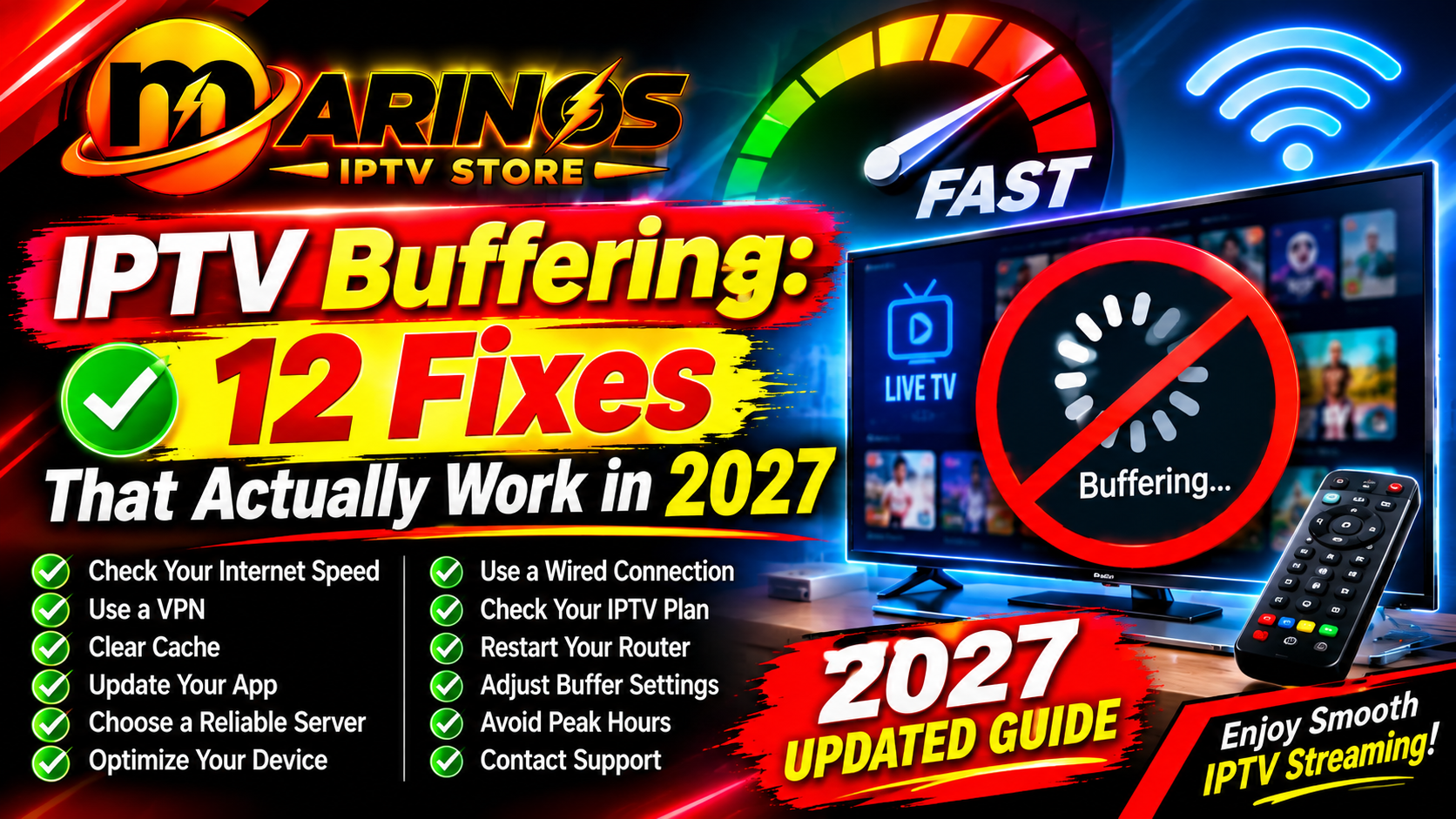
IPTV buffering is the number one complaint about any IPTV service — the spinning circle right as the goal goes in. The good news: most buffering has a small number of causes, and you can find yours in about two minutes. This guide shows you how to diagnose IPTV buffering, gives you 12 fixes in order of impact, and explains when the problem is your provider rather than your setup.
Why IPTV Buffering Happens
Your IPTV player downloads small segments of video a few seconds ahead of what you are watching. Buffering happens when those segments arrive more slowly than the video plays. That delay can come from three places:
- Your home network — weak Wi-Fi, busy bandwidth, an old router.
- Your device and player — low memory, full cache, wrong decoder settings.
- The provider’s servers — too many viewers per server, especially at peak times.
Understanding how an IPTV stream travels helps: read IPTV streaming explained for the full chain.
Diagnose IPTV Buffering in 2 Minutes
| Symptom | Most likely cause |
|---|---|
| Every channel buffers, all day | Home network or device |
| Only 4K channels buffer | Not enough bandwidth for 4K, or a non-4K device |
| Fine in the day, freezes in the evening | Provider servers overloaded at peak time |
| Freezes exactly at kickoff of big games | Provider capacity |
| One channel buffers, others are fine | That channel’s source — report it to support |
| Buffering started after an app update | Player settings or cache |
Quick test: run Speedtest on the same device. Under 10 Mbps, HD will struggle; under 25 Mbps, 4K will.
12 Fixes for IPTV Buffering (in Order of Impact)
1. Use an Ethernet cable
The biggest single improvement. A wired connection removes Wi-Fi drop-outs entirely. Firesticks need a cheap Ethernet adapter; most Smart TVs and Android boxes have a port.
2. Switch to 5 GHz Wi-Fi
If cable is not possible, connect to your router’s 5 GHz network and keep the device close to the router. 2.4 GHz is slower and crowded.
3. Restart everything
Turn off the router and streaming device for one minute, then restart. It clears memory and refreshes the connection.
4. Clear the player cache
On Firestick and Android: Settings → Applications → [your player] → Clear cache.
5. Try the FHD version of the channel
If FHD plays smoothly but 4K does not, the issue is bandwidth. Our IPTV 4K guide covers what 4K needs.
6. Stop other heavy traffic
Large downloads, cloud backups, game updates and other 4K streams all compete for bandwidth.
7. Switch the player engine
Many IPTV players offer two playback engines. If one stutters, try the other.
8. Enable hardware decoding
In player settings, turn on hardware decoding — essential for HEVC and 4K channels on Firestick.
9. Increase the buffer size
Some players let you increase buffer length. A slightly larger buffer smooths small network dips.
10. Update the player and device
Install the latest official version of your player and your device’s system updates.
11. Change DNS (advanced)
Some ISPs have slow DNS. Setting a public DNS in your router can help channels start faster.
12. Test a provider with peak-time capacity
If buffering only appears in the evening or during big events, no home fix will solve it — the provider’s servers are overloaded. That is the moment to test another service.
Still buffering? Test Anti-Freeze™ servers
Free Marinios IPTV trial — watch a live game and see the difference
Start Free Trial See PlansDevice-Specific Tips
Firestick
- Use a Firestick 4K or 4K Max for 4K streams.
- Uninstall unused apps — low storage slows everything.
- Use an HDMI extender to move the stick away from the TV for better Wi-Fi.
Full guide: IPTV Firestick setup.
Samsung and LG Smart TVs
- Use the TV’s Ethernet port whenever possible.
- Restart the TV fully (unplug for a minute) rather than standby.
Full guide: IPTV on Smart TV.
Phones and tablets
- On mobile data, choose HD channels — 4K uses several gigabytes per hour.
- Close background apps.
When IPTV Buffering Is the Provider’s Fault
Many IPTV providers are resellers selling access to someone else’s servers. To keep prices low they put too many viewers on each line — fine on a quiet afternoon, overloaded when thousands press play at kickoff. Signs it is the provider:
- Buffering appears at the same time every evening.
- It happens on every device in your home, even on Ethernet.
- Speedtest shows plenty of bandwidth while the stream freezes.
- Support blames your internet without checking anything.
Our guide to IPTV providers explains server owners versus resellers in detail.
How Marinios IPTV Prevents Freezing
- Anti-Freeze™ 9.8 servers built for peak sports traffic, with 99.9% Anti-Freeze uptime.
- Own servers — no reseller chain, so lines are not oversold.
- Adaptive 4K · UHD · FHD streams that step down instead of stopping when your bandwidth dips.
- 24/7 human support on WhatsApp to check your line and settings in real time.
Plans start at $5.67 a month on the 12-month plan, with no contract. Read the full Marinios IPTV review.
Router Tips That Reduce IPTV Buffering
- Place the router centrally, high up and away from metal objects and microwaves.
- Use 5 GHz for streaming devices and leave 2.4 GHz for smart-home gadgets.
- Enable QoS (quality of service) if your router supports it, and prioritise your TV or Firestick.
- Consider a mesh system if your TV is far from the router.
- Powerline adapters can carry a wired connection through your electrical wiring when running a cable is impossible.
- Update router firmware — manufacturers fix performance bugs regularly.
Is Your Internet Provider Slowing IPTV?
Some internet providers manage video traffic at busy times. Signs include IPTV buffering that appears every evening even though Speedtest looks fine earlier in the day. Ways to check:
- Run a speed test at the exact time buffering happens.
- Try the same channel on mobile data from your phone; if it plays smoothly, your home line may be the bottleneck.
- Test with and without a reputable VPN — if the VPN fixes it, traffic management is likely.
The FCC broadband speed guide is a useful reference for typical speeds needed by streaming activities.
IPTV Buffering Quick Checklist
| Check | Done? |
|---|---|
| Ethernet or 5 GHz Wi-Fi | ☐ |
| Router and device restarted | ☐ |
| Player cache cleared | ☐ |
| Hardware decoding on | ☐ |
| No big downloads running | ☐ |
| FHD version tested | ☐ |
| Player and device updated | ☐ |
| Tested at peak time | ☐ |
If every box is ticked and IPTV buffering continues, the problem is almost certainly the provider — and it is worth trying a service built for peak traffic. A free Marinios IPTV trial lets you compare during a live event, on the same TV and connection.
How to Report Buffering to Support
Good support needs good details. When you message Marinios IPTV support, include:
- The channel name and the time the problem happened
- Your device and player app
- Whether you use Wi-Fi or Ethernet, and your speed test result
- Whether other channels play normally
With that, our team can usually pinpoint the cause within minutes.
IPTV Buffering FAQ
Why does my IPTV keep buffering?
Most often weak Wi-Fi or low bandwidth. If it happens mainly at peak times, the provider’s servers are overloaded.
Does a VPN stop IPTV buffering?
Sometimes, if your ISP slows video traffic. But a VPN also adds overhead, so it can make buffering worse on slow connections. Test with and without.
What internet speed stops IPTV buffering?
About 10–15 Mbps stable for HD and 25 Mbps+ for 4K, per screen.
Is buffering worse on Firestick?
Older or non-4K Firesticks have less memory. A 4K Max with Ethernet is far more stable.
Can Marinios IPTV support help with buffering?
Yes. Message us on WhatsApp and we will check your line, recommend settings and test channels with you.
Conclusion
Most IPTV buffering is fixed by three steps: Ethernet or 5 GHz, a restart, and a clean player cache. If your stream still freezes at peak time, the problem is the provider’s capacity — and the only real fix is a service built for it. Try Marinios IPTV free and watch a live game on Anti-Freeze™ servers.
Say goodbye to the spinning circle
Anti-Freeze™ 9.8 · 4K · 24/7 support · from $5.67/month
Get Marinios IPTV Free Trial